
how-to
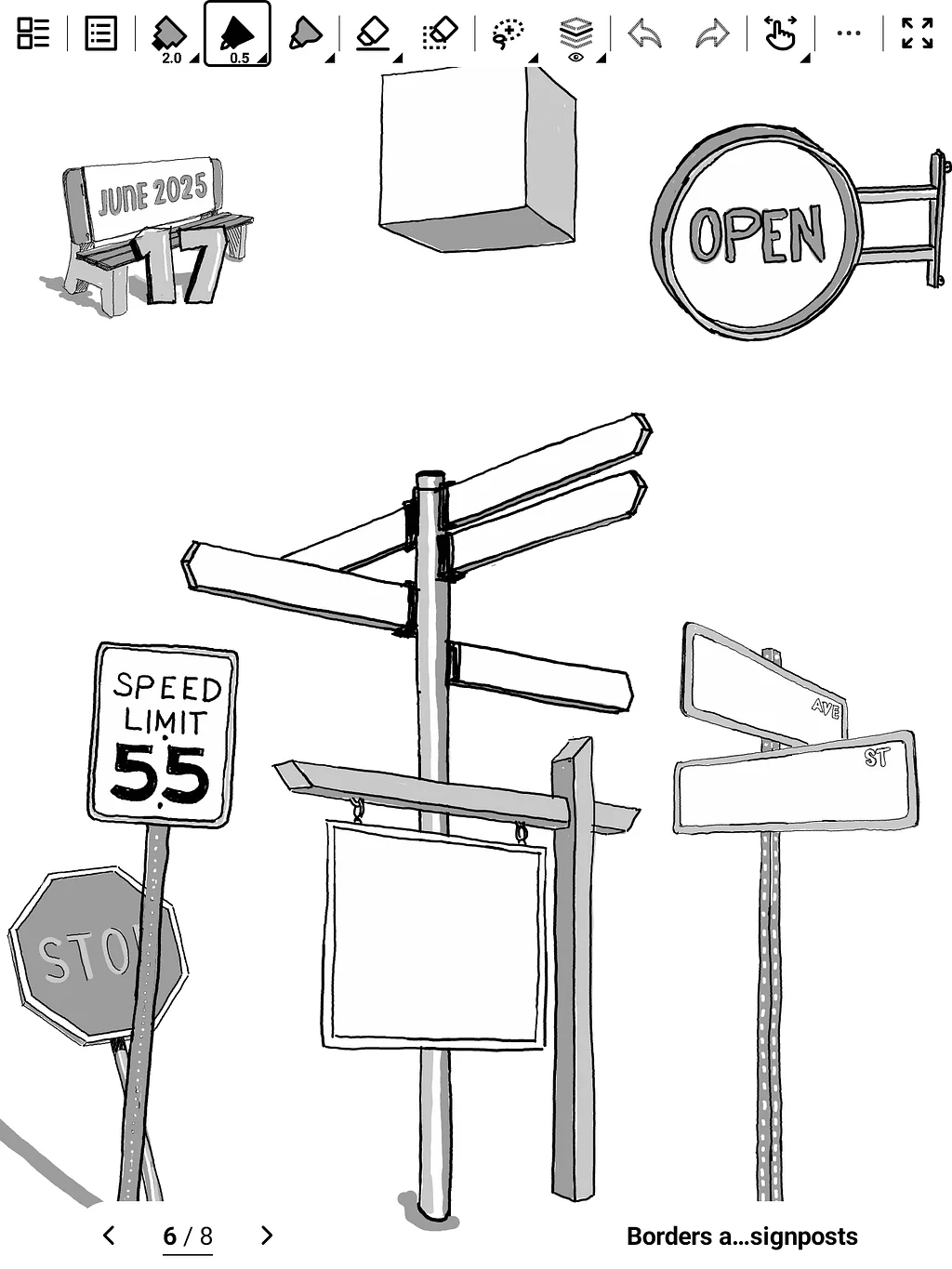
How to Get Our Goofy Stickers onto Your Supernote
First things first, you'll need to download the zip file(s) – yeah, I know, more files to clutter up your desktop. Then, do your best impression of a magician and uncompress them. Poof! Hopefully, some sticker files magically appear. Now, this is the tricky part: move that .snstk file (it's got a fancy name, I know) right into your Supernote's Export folder via the campanion app or the Supernote Cloud.
Once that's done, grab your Supernote (don't forget to sync) and open up a note. Tap on the ellipsis symbol (three dots) in the tool bar. See that little sticker icon in your toolbar? It looks like a peeling circle, Tap that bad boy! Then, because we're all about bringing in new things (like my questionable humor), tap "Import." Finally, and this is where all your hard work pays off, find that .snstk file you just moved (remember its in the Export folder). Click it, and presto! You're now burdened with my delightful digital doodles. You're welcome (and also, I'm sorry). You can repeat for multiple sets.
Oh you can delete, add and move individual stickers to different sets from the sticker view too – just long press on any sticker!